Product

New updates and improvements to PAM.

Smarter Memory, Slack Integration & Advanced Notetaker

This update brings a more intelligent memory system, a new Slack integration, faster answers through smart retrieval, and a significantly more powerful Notetaker.

Smarter Memory & Slack Integration

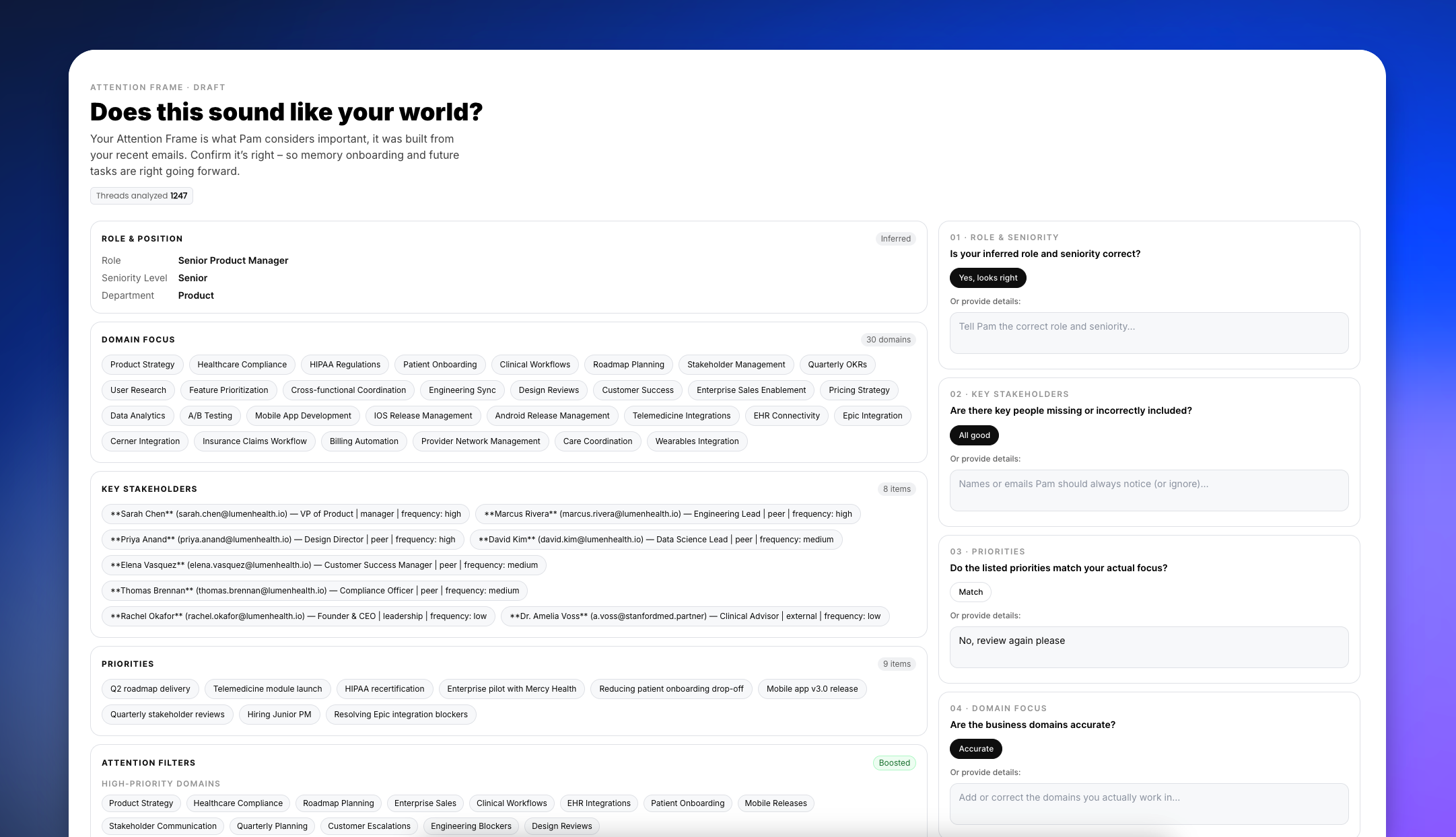
PAM's memory system now processes information more intelligently. We introduced a conflict resolution flow that deduplicates information and focuses exclusively on newly discovered facts, preventing redundant processing.

You can also now connect Slack as a new memory source, allowing PAM to learn from your team's conversations and apply that context to future tasks.

Slack connected to PAM via integration

Smart Retrieval & Faster Answers


PAM now analyzes your prompt to determine if a deep knowledge tree retrieval is necessary before generating an answer. If a query can be answered directly without searching your connected data, it bypasses the retrieval step, resulting in significantly faster response times.

We also laid the groundwork for feature flags, allowing us to roll out capabilities like this more seamlessly.

Smart Retrieval & Faster Answers gif

Advanced Notetaker Capabilities

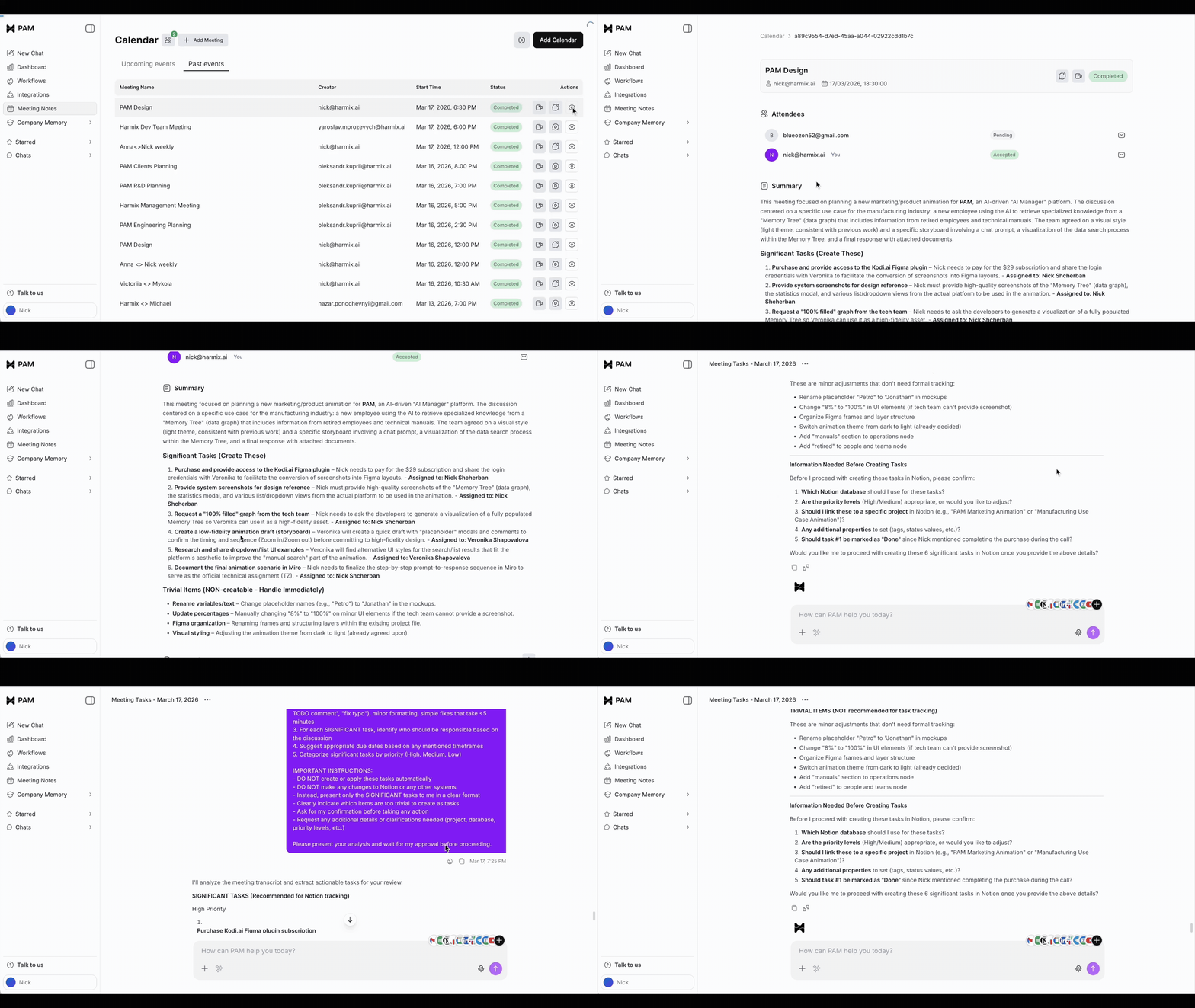
The Notetaker now generates high-quality meeting summaries.

You gain more control over your meetings by manually inviting the bot via a meeting URL.

PAM Calendar interface showing Add PAM directly modal for connecting to meetings

Meeting recordings are now securely stored in the cloud for direct download, and you can instantly convert any meeting transcript into a new chat conversation to ask questions about the discussion.

Improvements

  • WorkflowsAdded a new "timed out" status for workflow runs to reflect and track stalled automations.
  • IntegrationsImplemented a new, streamlined system flow for tool approvals.
  • UIUpgraded account labeling and sorting to keep multi-account integrations organized.

Fixes

  • AuthPrevented an issue where users could log into the same account redundantly.
  • CopyCorrected a minor grammatical error in system exception messages.

File Uploads, Multi-Account Integrations, and a Better Notetaker

This update brings full file support to your conversations, unlocks multi-account management for integrations, and significantly improves how PAM organizes your meetings.

File Support in Chat

You can now share and collaborate on documents directly within PAM. We added drag-and-drop file support to the chat interface, allowing you to upload up to 5 files (up to 20MB each) per message.

To keep your workflow seamless, we also built native viewers directly into the chat. You can now view large images, read PDFs, and inspect text documents without leaving the conversation. All files are securely stored in your chat history for easy access and downloading later.

File Support in Chat

Multi-Account Integrations

Managing multiple storefronts or social profiles is now much easier. You can now connect multiple accounts to a single integration — such as linking several Shopify stores or multiple Instagram profiles.

A new dedicated "Accounts" block lets you view all connected profiles, set a default account for PAM to use, and unlink individual accounts as needed. Alongside this update, we are also rolling out new integrations for Instagram, Facebook, TikTok, Shopify, and WhatsApp.

Multi-Account Integrations

Notetaker Upgrades

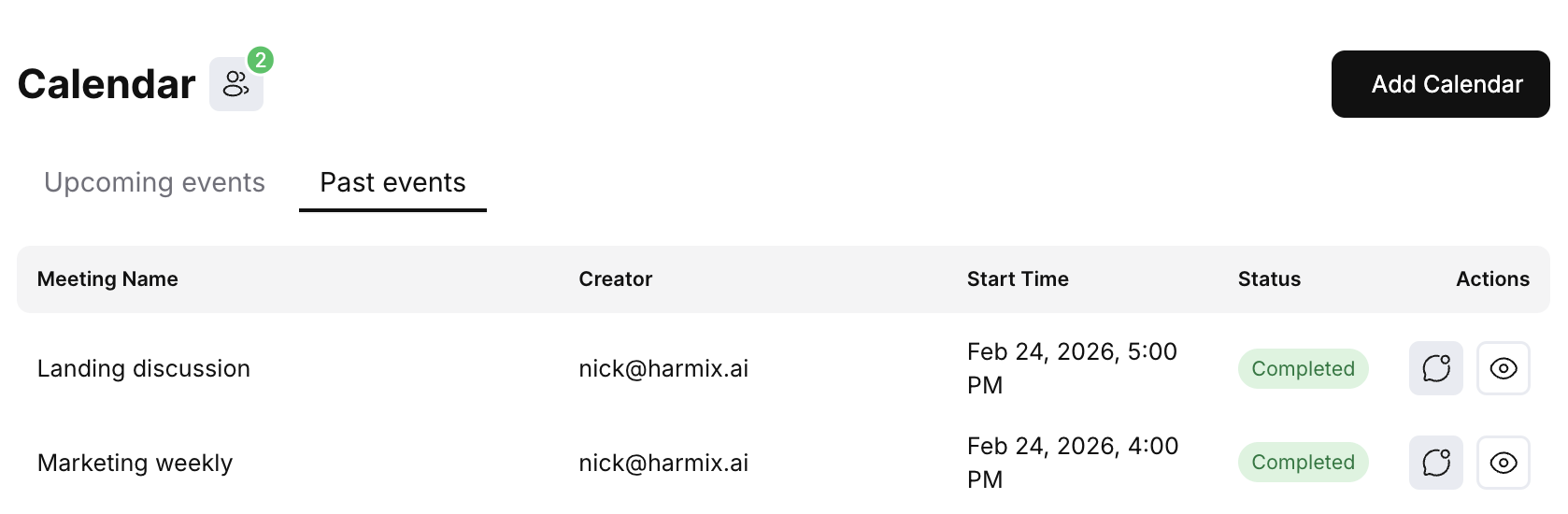
We redesigned the Notetaker experience to give you better visibility into your schedule. You can now connect multiple Google Calendar accounts and filter your meetings by specific calendars. The interface also now logically groups your events, splitting them into "Upcoming" and "Past" meetings to make browsing your schedule much faster.

Calendar interface showing Past events tab with meetings listed including Landing discussion and Marketing weekly, with status and action columns

Other improvements

  • UXChat names are now displayed in your browser tab title, making it easier to navigate between multiple open conversations.
  • UXImproved project filtering with support for advanced query parameters.
  • UXUpdated chat loading skeletons to provide a smoother visual experience when opening threads.
  • PerformanceUpgraded the frontend infrastructure to ensure faster and more reliable performance across the app.

Voice & Chat Tools

You can now speak directly to PAM. We've added support for voice messages, enabling faster, more natural input.

We also introduced an AI Prompt Enhance. If you're stuck on how to phrase a request, PAM can now optimize your prompt for better results. Additionally, you can stop PAM's response mid-stream if you need to pivot the conversation.

Voice & Chat Tools - Voice message input and response

Workflow Drafts & Templates

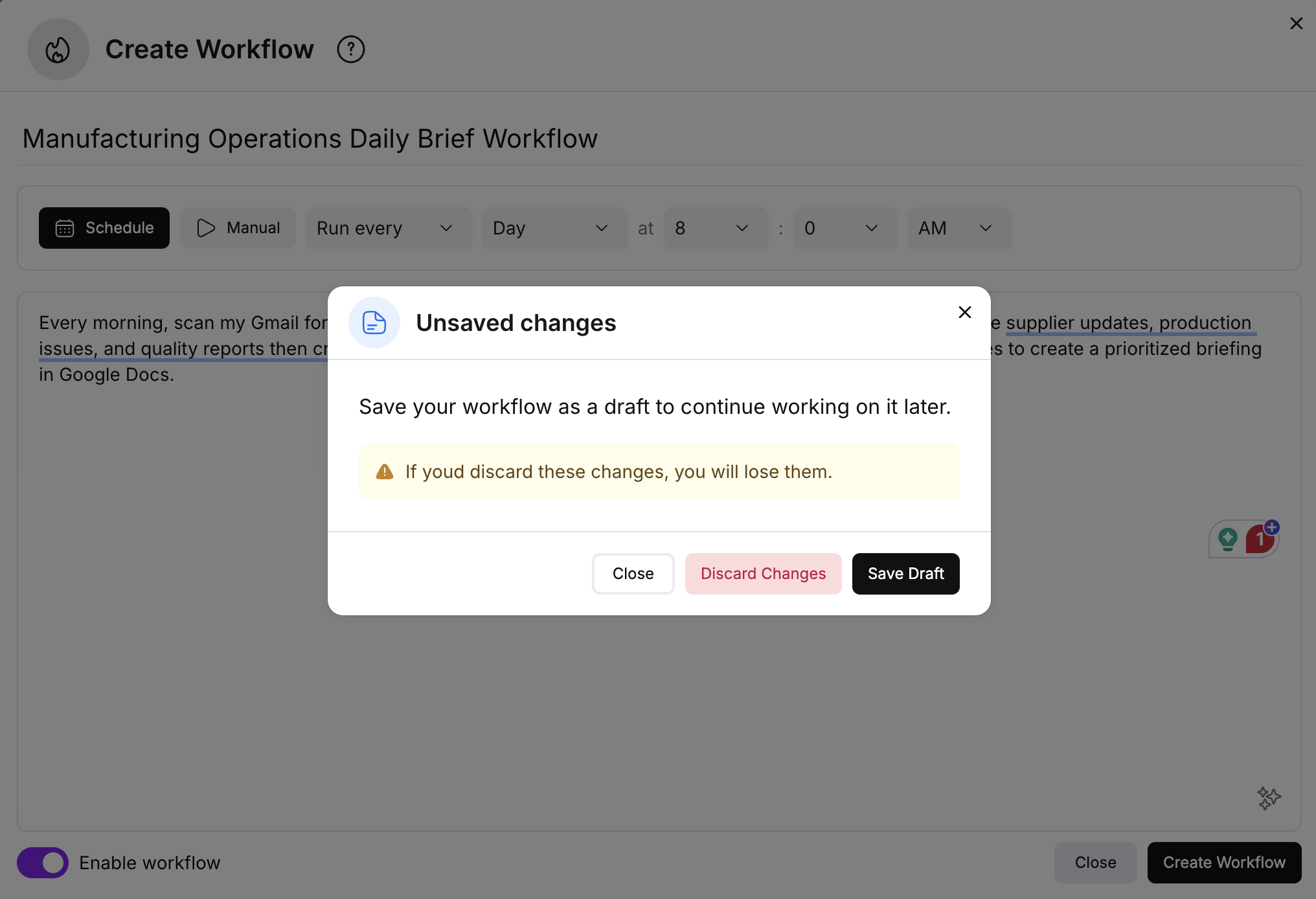
PAM workflow drafts feature showing unsaved changes dialog with options to save draft, discard changes, or close

You will no longer lose your progress when building automations. We've added Drafts, allowing you to save unfinished workflow prompts and return to them later. We also improved the modal behavior to prevent accidental closures. For new users, the sample library now includes highlighted templates and category filtering to help you find the right starting point faster.

Expanded Integrations

We've upgraded our integration architecture to support services requiring complex configurations. This opens the door to a wider range of tools, enabling new connections to services like Telegram and DocuSign.

Improvements

  • AuthAdded support for LinkedIn Sign-in/Sign-up. If you use the same email, your accounts will link automatically.
  • UXRedesigned the sidebar for better navigation and organization.
  • UXAdded a "scroll-down" button to jump to the bottom of long chat threads easily.
  • UXIntroduced a new Suggestions window to help discover capabilities.
  • UXAdded an interactive chat logo for a more responsive visual experience.

The Thoughts Box

The Thoughts Box - PAM's reasoning and logic

We've introduced a new way to see how PAM arrives at her answers. When you send a message, PAM now documents her reasoning and logic inside a dedicated "Thoughts" component. This keeps your main conversation clean by showing only the final response, while letting you peek under the hood when you need to verify her process.

Workflow Samples

Getting started with automation is now easier. You can now browse and create workflows from a library of samples. To ensure a smooth setup, the system will automatically verify that all necessary integrations are connected before deploying the workflow.

Workflow Samples - Browse and create workflows from a library of samples

Centralized Conversation Management

We've launched a new Chats page that provides a single home for every conversation you've had with PAM. The new page includes full-text search, allowing you to quickly locate specific information or past discussions across your entire history.

Memory & Preferences

PAM is now more personalized. By integrating with our new memory system, PAM can learn and utilize your specific preferences over time. This ensures that her responses and actions align with your preferred style and requirements without needing constant reminders.

Improvements

  • BillingImplemented a new Credits system. All messages are now tracked against a credit balance.
  • OnboardingEvery new user now receives 10 free credits upon registration to explore the platform.
  • Credits UIAdded a new modal window where you can monitor your remaining credit balance in real-time.
  • IntegrationsOverhauled the integration flow to make connecting third-party tools simpler and more reliable.

Memory Visualization

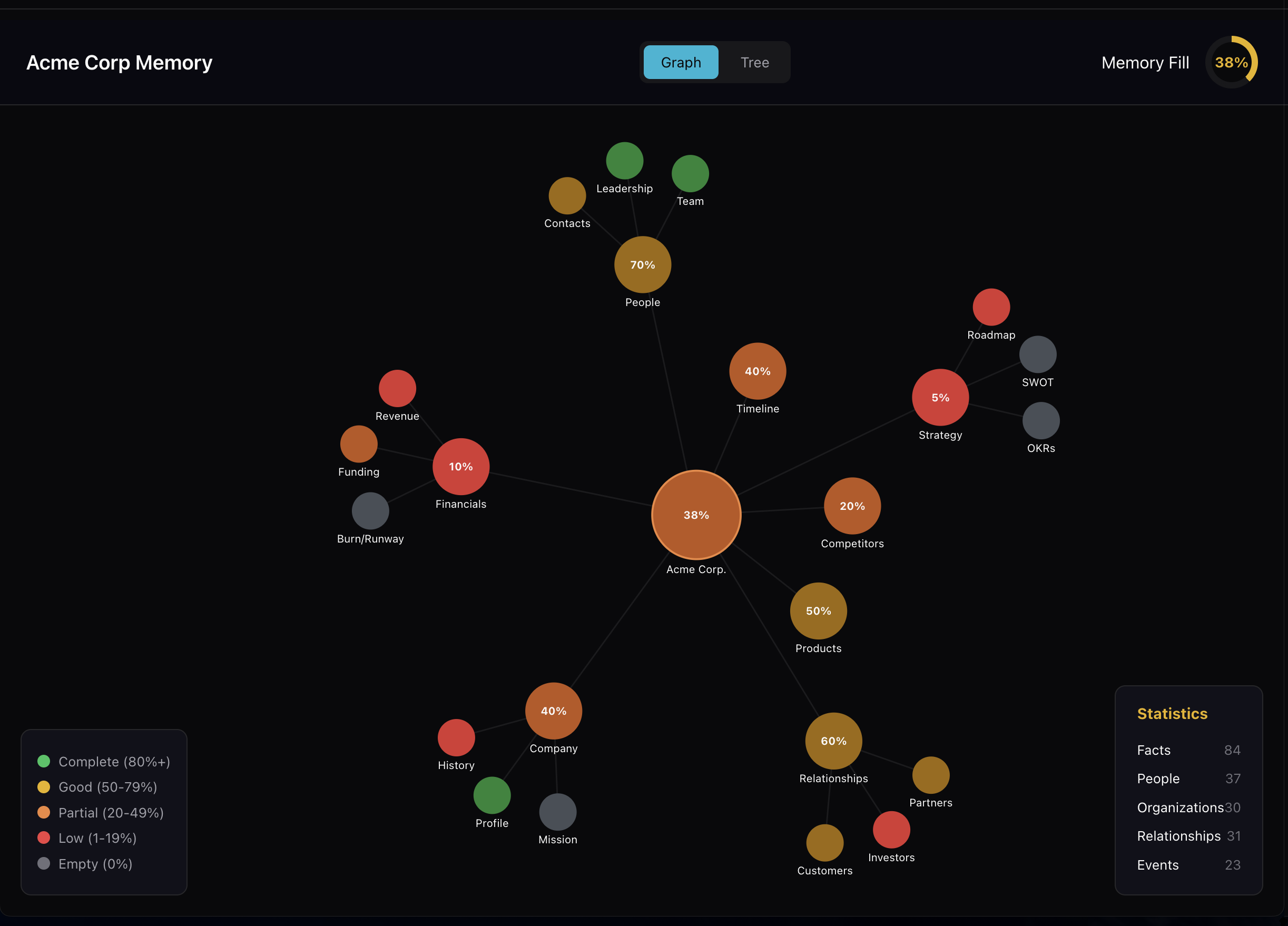
Memory Visualization - Knowledge Graph showing connected business data with completion percentages

This update includes an early version of our memory visualization tools. Users can now access a Knowledge Graph to see how data is connected within the system, alongside a new interface dedicated to managing memory-based questions.

Granular Permissions and Faster Chat

Integration Controls

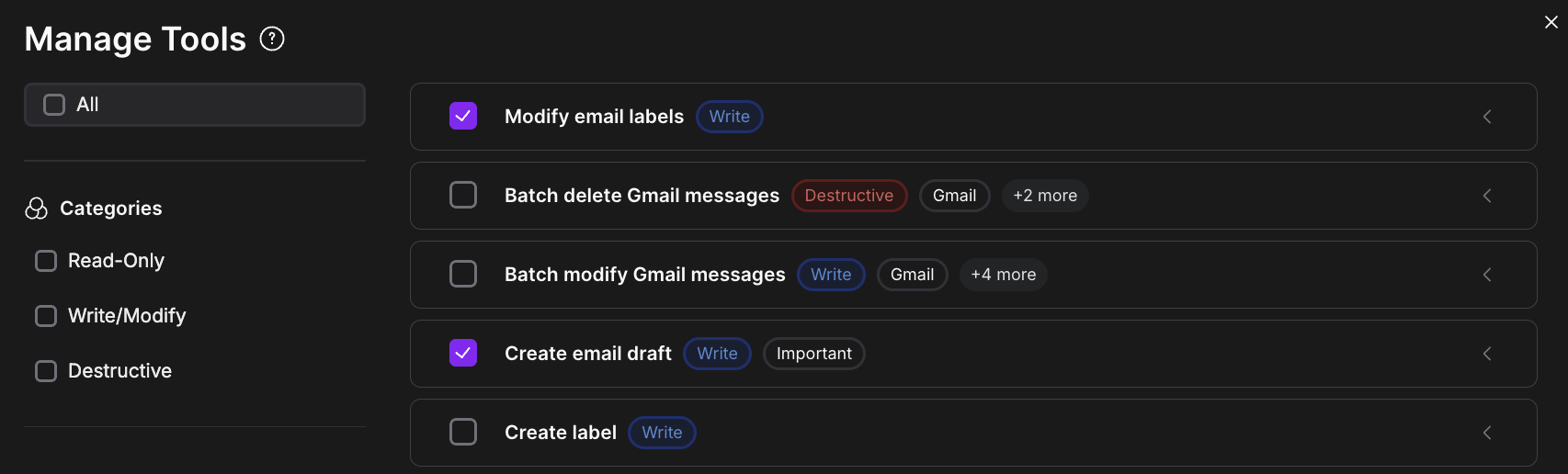
Manage Tools interface showing fine-grained integration permission controls

We have introduced fine-grained controls for integrations. Instead of granting broad access, you can now toggle specific actions on or off directly from the settings menu. For example, you can enable email reading while keeping email sending disabled. We also updated the chat interface to handle restricted actions more gracefully, providing clear prompts if an action requires additional approval.

Chat Improvements

New conversations start faster. We implemented a warm-up mechanism that significantly reduces the latency of the first message. Additionally, conversations now feature automatic, context-aware titles that update in real-time as you type, making it easier to organize and find past threads.

Improvements

  • ChatRefactored context management to ensure more consistent responses.
  • ChatAdded execution time tracking for workflow conversations.
  • IntegrationsAdded a flow to request access to custom Harmix integrations.
  • IntegrationsAdded toast notifications and resend options when an action is restricted.
  • BillingLaunched a Credits System and token metrics to track usage and costs.
  • SidebarRedesigned the workflow execution view for better visibility.
  • ReliabilityUpdated database schemas and added service health monitoring.

Bug Fixes

  • IntegrationsFixed a bug preventing Notion workspace connections.
  • IntegrationsResolved an issue where email drafts failed to display correctly.