Recurring Memory Updates, Upload Your Own Files, and a Refreshed Terms of Service
Pam now keeps learning from your connected sources automatically, and you can bring your own files into memory directly. Plus: an updated Terms of Service and Privacy Statement.
Recurring Memory Updates
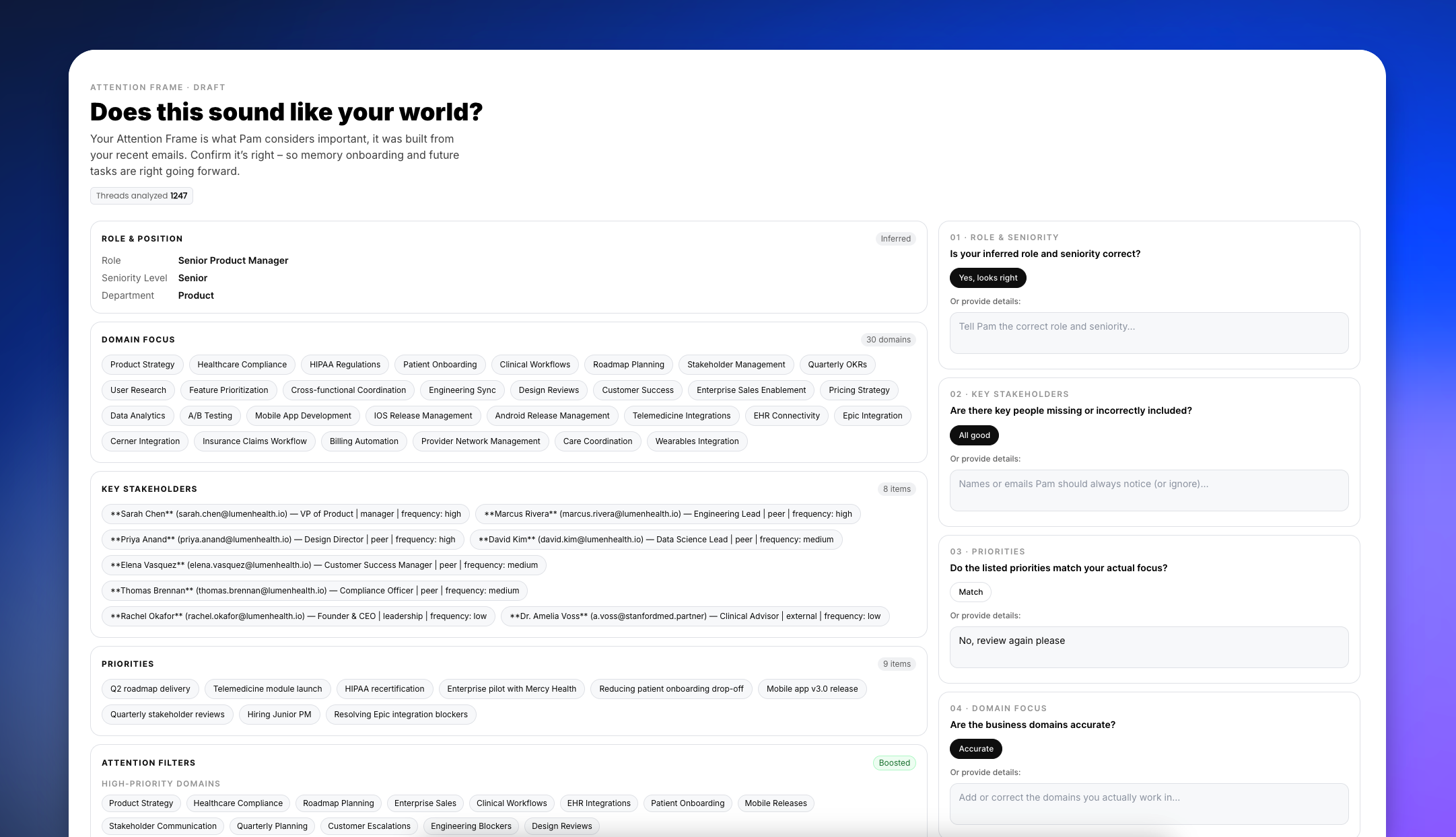
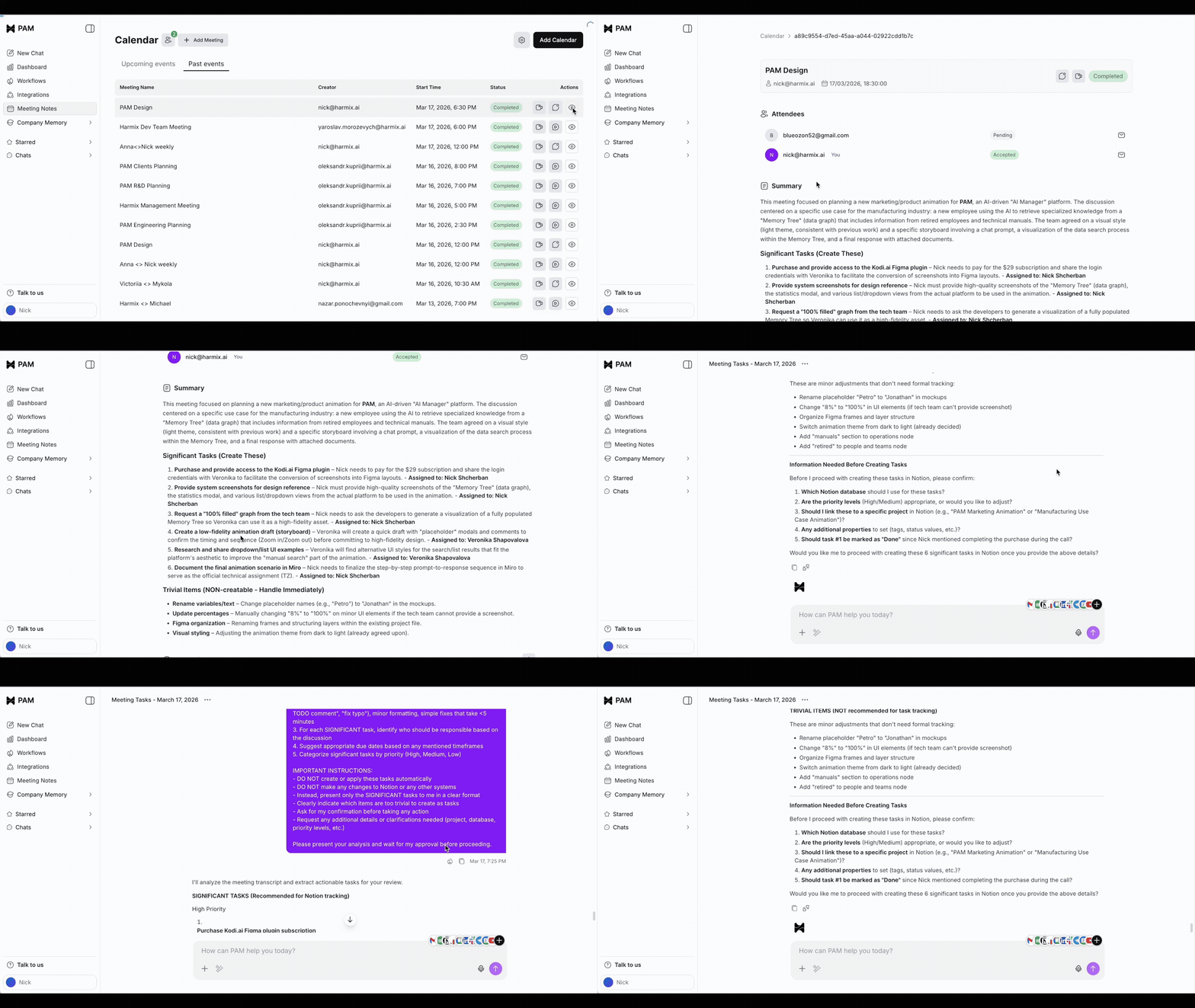
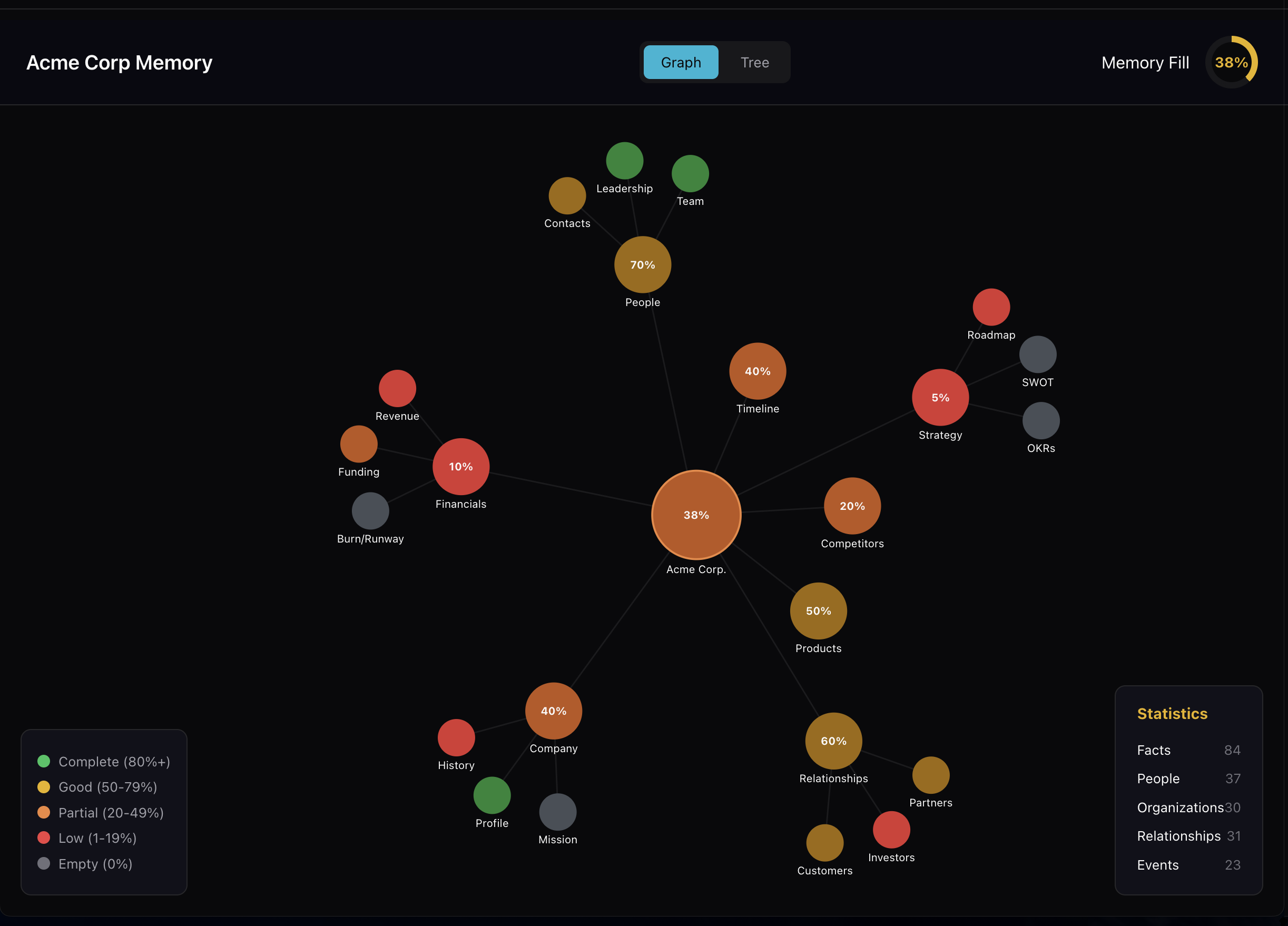
Pam now keeps learning from your connected sources automatically, not just once at initial setup. As new emails, documents, and conversations come in, Pam refreshes its memory in the background – so its understanding of your business stays current without you lifting a finger.
Upload Your Own Files as Memory

You can now upload your own files – documents, notes, code, archives – directly into Pam as a memory source from Memory Hub. Pam reads their contents and adds what it learns to your company's memory.
This also means new users can finish onboarding just by uploading their files, without needing to connect an email or any other integration first.
Transparent Memory Answers
When Pam can't fully search your memory for an answer, it now tells you instead of quietly giving you a partial one. You'll see this in chat, in Playground, and on the developer request log – so you always know whether an answer is complete or Pam is still catching up.
Terms of Service & Privacy Statement
We've published a new Terms of Service and a rewritten Privacy Statement that actually describes how Pam works – what it connects to, how it processes your data, and what you can expect. Both are now shown and recorded when you sign up.